
Brown County Case Search Routing
Brown County splits its docket search across two CaseLook routes. Picking the right one saves time. The Common Pleas CaseLook covers Appeals, Civil, Criminal, Domestic Relations, Judgment Lien, and Miscellaneous filings. Traffic, Criminal, Civil, Small Claims, and Parking cases run through the separate Municipal CaseLook instead. So where do you start? Check the court on your notice or case papers. Felonies, broad civil matters, and domestic cases generally belong to Common Pleas. Traffic tickets, parking, small claims, and Municipal criminal charges point to Municipal Court.
Not every Brown County division sits inside CaseLook. Probate and Juvenile Court post their own schedules and office details. The county's nine village mayor's courts form no single category there. For those, the Ohio Supreme Court mayor's-court directory lists contacts rather than county case records. Search the right office first. Otherwise a failed lookup can look like proof that no case exists. In truth, you may simply have queried the wrong court.
The Ohio judiciary's Brown County courthouse record lists the historic Common Pleas courthouse. It is tied to the county's court system.
That courthouse photo hints at the practical side. A Brown County case search starts with a real court division, not just an online form.
Name-Based Case Searches
Both CaseLook forms open only after a user accepts a notice. That notice carries two warnings. Postings may lag by at least 24 hours, and anyone needing verified information should turn to the court or clerk. Running the search takes four steps. Select Case Search, enter one main criterion, complete the CAPTCHA, and apply category filters only after picking the right portal. One limit is explicit. Combining a name with a file date or another main field does not narrow the query.
The name field is labeled Name/Company. The format is last name, then a space, then first and middle name. Start with the spelling on the court notice. Too many matches? Switch to a date route or the correct case-type filter rather than stacking main fields. The Common Pleas fields are the official inventory on that form. The Municipal form matches it, plus a ticket-number option.
- Identify whether Common Pleas or Municipal Court holds the Brown County case.
- Accept the CaseLook notice and choose the Case Search tab.
- Enter one criterion, such as a formatted name, then keep or narrow the relevant category filters.
- Complete the CAPTCHA and begin with a modest results-per-page setting.
- Use Calendar Search or a clerk confirmation for a current setting, especially when the event is near.
| Common Pleas field | Type | Required | Official format or choice |
|---|---|---|---|
| Name/Company | Text | No | Up to 30 characters; last name, space, first and middle name. |
| Hearing Date | Month, day, year lists | No | One available search criterion. |
| Case Number | Text | No | Up to 12 characters; numbers only, no letters. |
| File Date | Month, day, year lists | No | One available search criterion. |
| Case category | Checkboxes | No | CA, CV, CR, DR, JL, and MI are shown. |
| CAPTCHA response | Text | Yes | Six-character maximum with audio and refresh controls. |
Brown County Common Pleas CaseLook Filters
Common Pleas CaseLook sorts cases by two-letter codes. CA stands for Appeals, CV for Civil, and CR for Criminal. DR covers Domestic Relations, JL means Judgment Lien, and MI is Miscellaneous. The filters narrow a Brown County case search nicely. Don't type those letters into the Case Number box. The form states plainly that the box takes numbers only. Mixing in a category code is a common way to get zero results.
You can set how many matches appear per page: 25, 50, 100, or 250. The default is 25. The form notes that fewer matches make a search run faster. Viewing the docket costs nothing. It needs no login. That doesn't promise every document image is online. For current fees or office details, the Clerk-hosted Common Pleas page is the official word, and the clerk's office verifies records.
The Common Pleas Clerk's homepage is the local channel behind the CaseLook docket search.
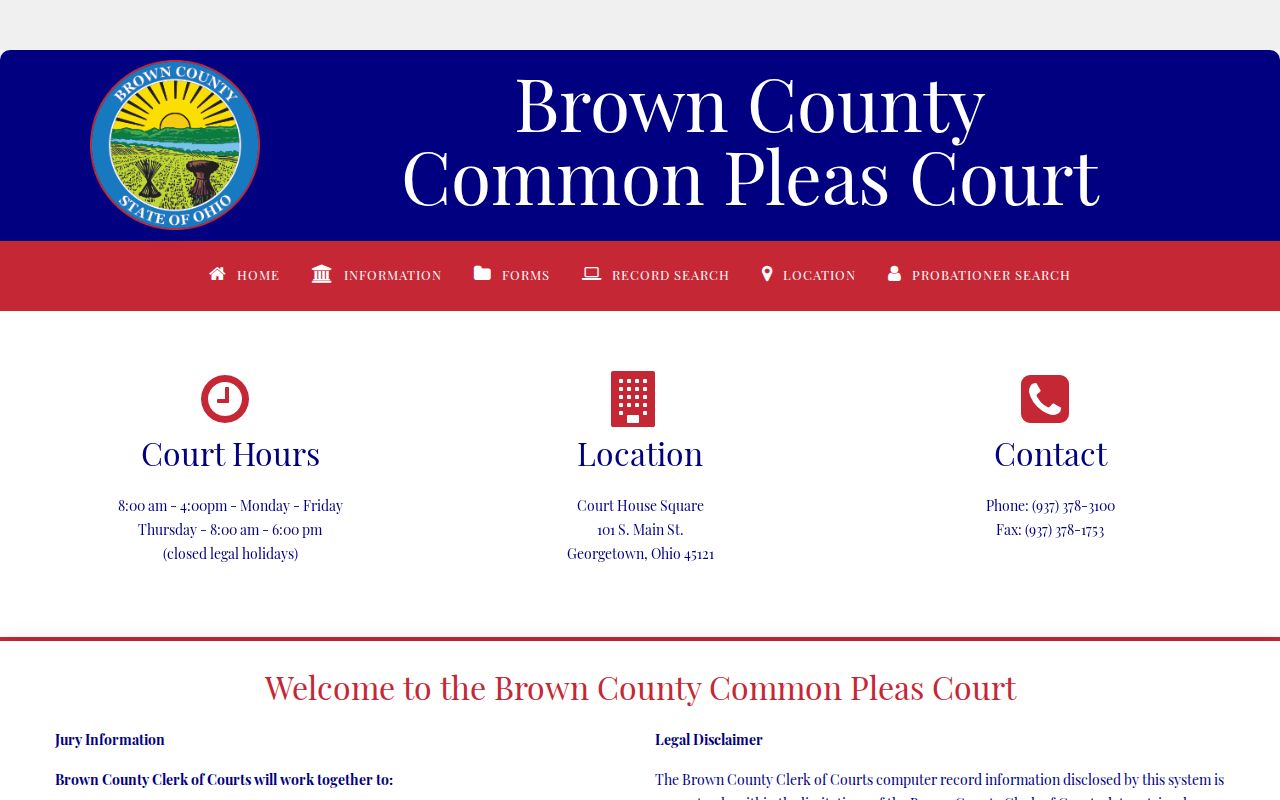
Need a closer look? That clerk channel confirms whether a fresh or unclear Brown County CaseLook entry counts as an official court record.
Case-Number Searches
A known number is often the fastest CaseLook route. Brown County sets no single public case-number pattern across divisions, though. The Common Pleas and Municipal Case Number fields cap input at 12 characters and instruct digits only. The sample 123456789012 shows that numeric limit. It is not a promised number formula. Letter labels such as CR, CV, DR, TR, SM, and PR stay in the form's filter choices. Keep the number box numeric.
Traffic ticket numbers get their own Municipal field. Use the separate Ticket Number option on that portal. A Mayor's Court citation may need the court printed on the citation itself first. When a number will not appear, recheck the court. Strip the letter code, allow for the stated posting delay, and ask the proper clerk to confirm whether a public file or entry is available.
Brown County Municipal CaseLook Limits
Municipal CaseLook runs on its own screen. Its case types are TR for Traffic, CR for Criminal, CV for Civil, SM for Small Claims, and PR for Parking. Search options cover Name/Company, Hearing Date, Case Number, File Date, and Ticket Number. Results-per-page choices are there too. So is a required CAPTCHA. Like the Common Pleas version, the form accepts only one main search criterion at a time. And the ticket-number field belongs to this Municipal route, not to the Common Pleas form.
The official notice carries two cautions. Municipal Court data may lag by at least 24 hours. It may also change without notice. A CAPTCHA stands between you and the results. So the form alone tells you nothing about document downloads, result-row fields, or financial details. Don't assume those features exist. When the answer matters, request the record from Municipal Court or visit during regular court hours.
The Municipal CaseLook entry page is the official starting point for Brown County traffic, criminal, civil, small-claims, and parking searches.
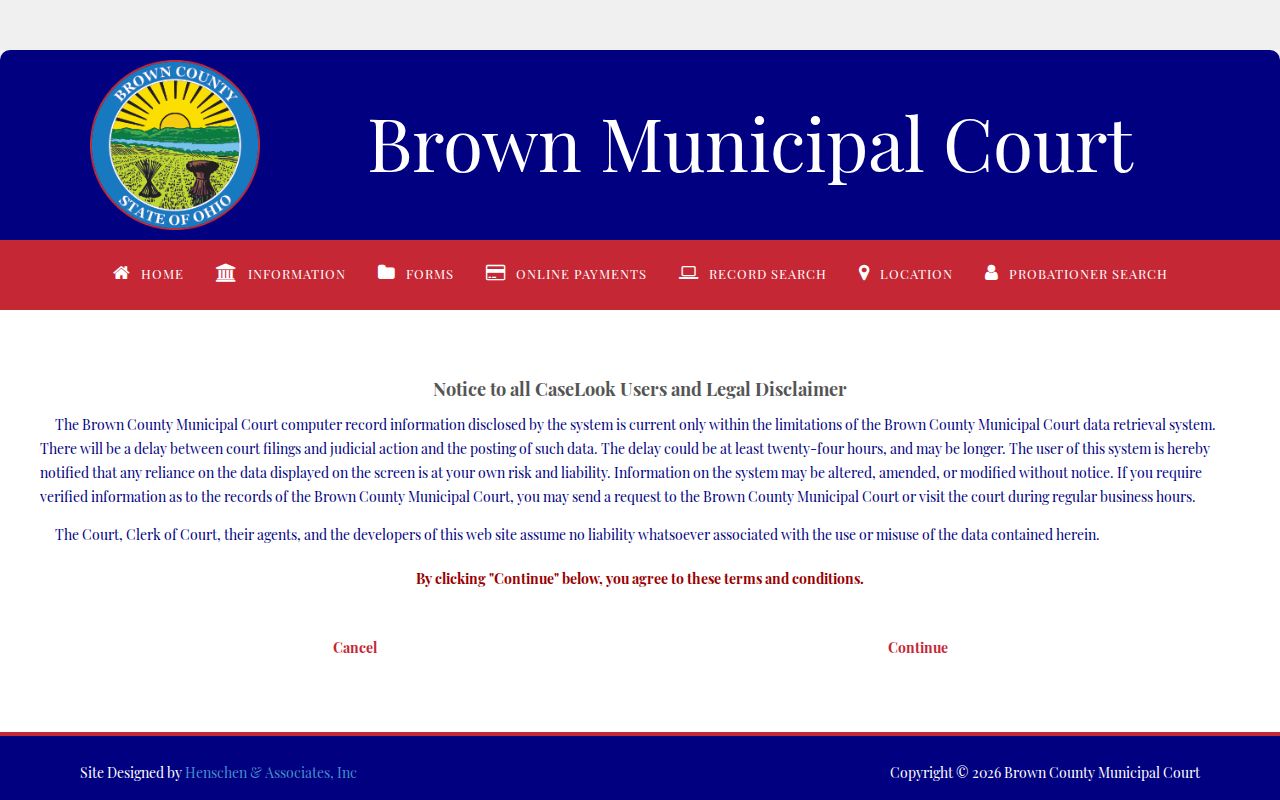
The separate Municipal CaseLook screen makes the point plainly. Route any docket search by court and record type before treating an empty result as an answer.
Case Search Results Explained
Treat CaseLook as a locator, nothing more. The public search forms show how to find a Brown County case, not what a full record contains. For a preview of what one setting looks like, the county's official weekly Common Pleas dockets offer a conservative sample. A weekly docket looks forward. It can confirm a date and a hearing type. But it is not a complete chronological case record.
Municipal Court rules describe the underlying docket more fully. It is a serial record with the case number and title, the filing date, the nature of the charge or claim, minutes of motions or pleadings, and minutes of court orders with journal references. The public portal does not display every one of those items remotely. So when an entry, a document, or a current status truly matters, ask the clerk for the public record held in the file.
| Court and division | Brown County Common Pleas Court, Criminal Division, on the official weekly docket. |
|---|---|
| Calendar grouping | Weekday and date for a scheduled setting. |
| Time | The stated time of the listed event. |
| Case number | The court's identifier for the setting. |
| Case name or caption | The listed matter name on the weekly calendar. |
| Hearing type | Examples include arraignment, pre-trial, competency review, and sentencing. |
| Counsel of record | Listed on the criminal weekly docket when shown. |
Brown County Case Calendars
A case search locates a matter. A calendar search locates a setting. Both CaseLook portals include a Calendar Search tab. That form wants a beginning date, accepts an ending date, and adds category filters, result-limit choices, and a CAPTCHA. Common Pleas goes further with separate weekly dockets for civil, criminal, and domestic-relations matters. Each weekly schedule lists time, case number, caption, hearing type, and counsel, not a full case history.
Use the calendar to find where a case sits right now, then confirm a near-term setting with the court itself. The Civil Assignment Office answers at (937) 378-3188. The Criminal Division answers at (937) 378-4101, and the Municipal Court at (937) 378-6358. Common Pleas also posts paper weekly lists outside courtroom doors and at the security desk. That is a handy fallback when the online calendar is out of reach. Remember what a calendar entry means. It marks a scheduled event, and by itself it establishes no outcome.
Note: Brown County court calendars shift through continuances, settlements, pleas, and other changes. An imminent setting always merits direct confirmation.
Two Ways to Search: County and State
Brown County trial cases belong on the county route. Use Common Pleas CaseLook, Municipal CaseLook, a weekly docket, or the appropriate clerk. Ohio offers no single public portal for trial-court dockets in every county. The main state option is the Supreme Court of Ohio online docket. It is an appellate docket covering matters that reached that court. It cannot replace a Brown County trial-case search.
The Twelfth District Court of Appeals handles Brown County appeals. An appeal creates its own record path. A local case and an appellate case may be linked. Yet one court's docket never substitutes for the other's. Probate, Juvenile, and mayor's-court matters sit outside the Supreme Court search too. Match the portal to the court and level named on your record before you search.
| Search route | What it covers | Best use |
|---|---|---|
| Brown County Common Pleas CaseLook | Local Appeals, Civil, Criminal, Domestic Relations, Judgment Lien, and Miscellaneous categories. | A known Common Pleas matter or local case-date search. |
| Brown County Municipal CaseLook | Local Traffic, Criminal, Civil, Small Claims, and Parking categories. | A Municipal Court matter, ticket, or calendar search. |
| Supreme Court of Ohio docket | Supreme Court appellate cases. | A matter that actually reached that statewide appellate court. |
The Supreme Court of Ohio docket interface is the official state-level appellate route.
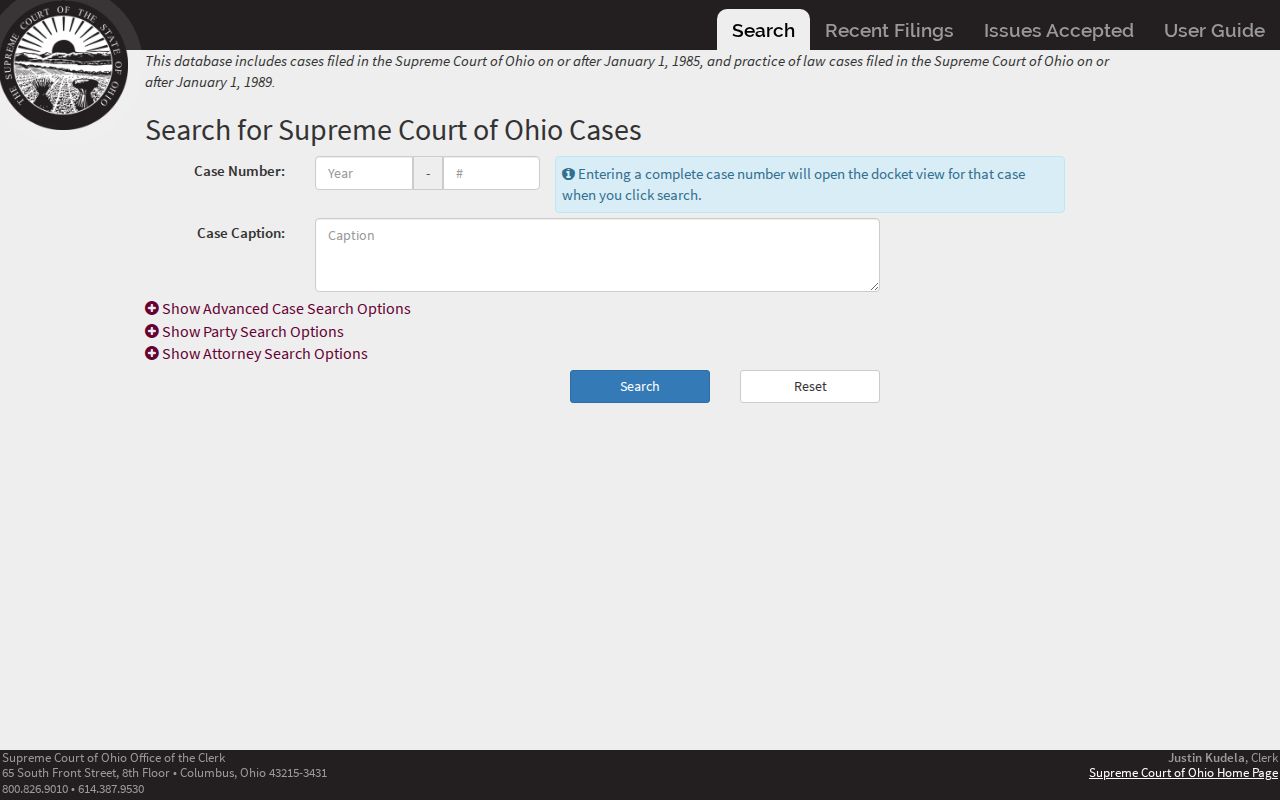
The appellate interface sits at a different court level. Use it only when a Brown County matter has an appellate path.
Brown County Missing Case Results
An empty online search is not a final answer. The case may live in the other Brown County portal, sit inside the posted delay, be restricted, carry a different name format, or belong to Probate, Juvenile, or a village mayor's court. Start over with the court named on the paperwork. For Common Pleas, the clerk verification line is (937) 378-4740. The general clerk line is (937) 378-3100. Municipal Court answers directly at (937) 378-6358.
You can also go in person. Common Pleas Local Rule 34 permits supervised review of one file at a time at the clerk counter. Municipal Rule 1.05 allows supervised public file review with a deputy clerk. Probate and Juvenile keep their own East State Street office, with no public party-name CaseLook search. Statewide statistical reports give useful context, but they will not locate individual Brown County cases. Ask for a specific case number, document, or date. The clerk then has the clearest starting point.
Which Cases Stay Restricted
Ohio treats court records under its own rules, not a general county records search. R.C. 149.43 sets the broad public-records policy. Court dockets are a different matter. For those, the Ohio Rules of Superintendence 11.09 through 11.17 govern access, personal identifiers, remote viewing, and restrictions. One caution applies to Brown County. The local Common Pleas Local Rule 34 still cites older rule numbers. So rely on the statewide series when you need the current framework for a Brown County court docket.
Redaction, restriction, and sealing are three different things. Keep that in mind. A missing image in a docket search can mean a posting limit, protected details, or a court order. It can also mean a record that never went online at all. Juvenile cases sit in a separate court office and carry extra confidentiality rules. So an unavailable result tells you nothing about case status. Ask the clerk what public version exists, if any. Criminal record relief questions may point to R.C. 2953.33. Eligibility still turns on the statute and the case history.
Public access has limits: Brown County's public portals can locate many matters, but official copies and any question about a limited record belong with the clerk or court that keeps the file.